

Trainings

CI/CD and cloud security

Cloud-Native Chaos

Hacking CI/CD and Cloud Environments

Start with a practice app. Finish with full control of the Kubernetes cluster it runs on, and the fix for every step on the way.

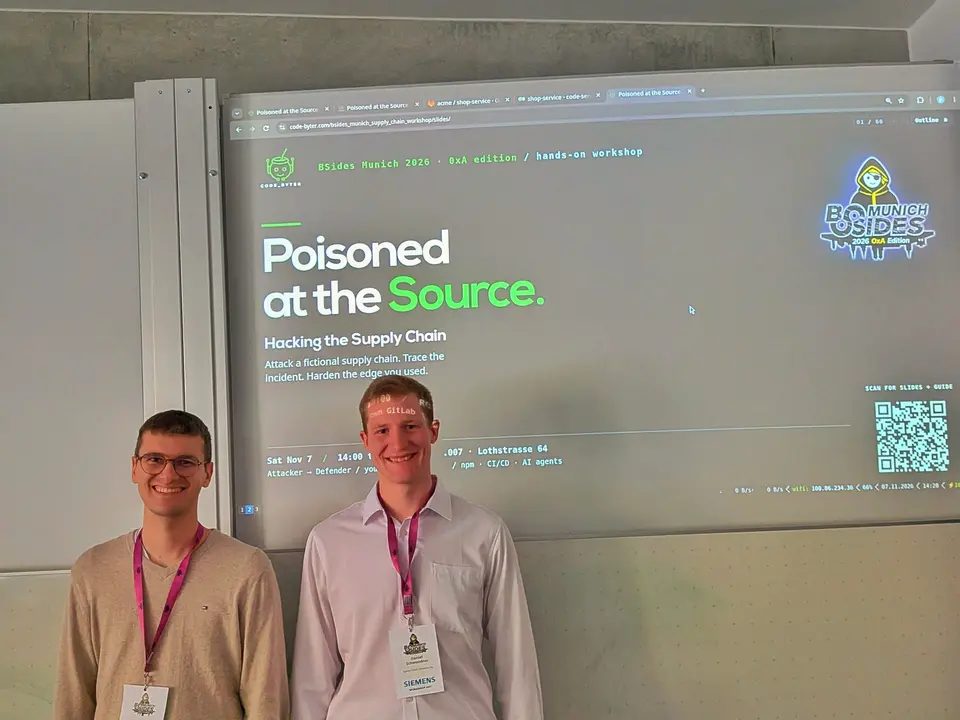
Daniel presenting the CI/CD and cloud training at BSides Munich 2025

What you will be able to do

  • Find leaked credentials in git history and understand why deleting is not revoking
  • Use cloud keys to enumerate storage and pivot to the CI/CD platform
  • Run your own code on a GitLab runner through a merge request
  • Escape a CI container through a mounted Docker socket
  • Take over GitLab from its host and deploy your own application
  • Take over a Kubernetes cluster with a leaked service account token
  • Know which control breaks each step, from pre-receive hooks to runner isolation and RBAC

The scenario

Attack chain: leaked AWS keys in git history open an S3 bucket, a backup in it leaks a GitLab password, a merge request runs code on the CI runner, the mounted Docker socket gives the host, and the deploy pipeline leads to a Kubernetes cluster takeover. COMPANY AWS keys password merge request docker.sock deploy Attacker Git history S3 backup GitLab CI runner Docker host Kubernetes full takeover Attack chain: leaked AWS keys in git history open an S3 bucket, a backup in it leaks a GitLab password, a merge request runs code on the CI runner, the mounted Docker socket gives the host, and the deploy pipeline leads to a Kubernetes cluster takeover. COMPANY AWS keys password merge request docker.sock deploy Attacker Git history S3 backup GitLab CI runner Docker host Kubernetes full takeover
  1. Leaked AWS keys in git history open an S3 bucket. A backup in it holds a GitLab password.
  2. A merge request runs your code on the CI runner, and its mounted Docker socket hands you the host.
  3. GitLab runs on that host too. Take over its admin account, run the deploy pipeline and use its token to own the Kubernetes cluster.

Agenda

  1. Dig up leaked secrets

    Hunt for credentials in commit history and shared shell history. Pre-commit, pre-receive and post-receive hooks, and secrets managers.

  2. Follow the keys into the cloud

    Validate leaked AWS keys, enumerate S3 and find a backup that hands you GitLab access.

  3. Poison the pipeline

    Use merge-request pipelines to get a shell on the GitLab runner, then upgrade it to an interactive one.

  4. Break out of the runner

    Abuse the Docker socket mounted into the runner to break out to the host.

  5. Become GitLab admin

    GitLab runs on the same host. Reset the admin password from the Rails console and deploy your own application.

  6. Take the whole cluster

    Use the deploy token to reach the cluster API, leak a pod's service account token and read the flag secret. RBAC, token automount and network policies.

“really cool session and an actual workshop, fully hands-on and even exploratory!”
Lisi Hocke, A Tester's Journey, BSides Munich 2025

Who it is for

  • DevOps, platform and cloud engineers
  • Penetration testers and red teamers new to CI/CD targets
  • Security engineers who review pipelines and cluster setups

Before you join

  • Comfortable with a Linux shell and git
  • Basic Docker knowledge helps

Other trainings

All trainings

TrainingHalf day or full day

Hardware security and router hacking

Hardware Hacking 101: WiFi Router and IoT Security

Open a real WiFi router, get a root shell over UART, dump its flash chip and dig through the firmware. All hardware is provided.

  • Hardware hacking
  • IoT security
  • Embedded Linux
  • Firmware analysis

BSides Munich 2024, Social Developers Club 2025 Agenda and details